Active Economy Report
Branding &
Style Guide
Updated June 11, 2026
The brand associated with this report will be constituent to the development of media across multiple mediums. This style guide serves as a reference for the AER's visual system, as well as a conceptual guide on how to develop novel visual patterns that cohere with the brand’s established identity.
This guide is derived from (and in some cases literally built with) the website's visual design system, so some of what is contained here does not transfer cleanly to other mediums. In particular, layout guidelines developed for web are designed to be flexible and responsive, so they'll likely be overly restrictive if applied to static media like print.
Please use your discretion to adapt the guidelines for your use case.
§ 01 · Brand Voice
Authoritative · Restrained · Academic
Who are our readers?
And how can we connect with them?
The key audience for the AER is, broadly speaking,resource gatekeepers. We assume these are people who arrive initially skeptical, scan content first, read selectively what catches their eye, and will leave needing to defend a continued or novel investment case to a peer.
We want to appear authoritative, editorial, and academic as far as body text is concerned, but should also make an effort to develop header copy that will grab the reader's eye. They won't be impressed by academic rigor that they don't read. We have tremendous amount of data to leverage both for eye-catching headers and to demonstrate academic depth.
- 01No data without rhetoricRules, charts, or graphics should be associated with a clear argument. Most readers aren't technical, so think about it like a guide for the reader to draw your desired conclusion from the data.
- 02Hairlines delineate sections, not boxesStructure comes from rules and type. Explicit four-sided boxes, shadows as separators, etc. should be used sparingly.
- 03The brand color is an accentThe brand color is an accent, not a key structural element. It should be used to highlight key information and for small details, but not for large blocks of color or to differentiate sections.
- 04Type families have fixed rolesDisplay, body, and caption each serve their own role and should ideally never be used outside of their designated purpose.
- 05No double bordersIdeally avoid two consecutive borders e.g. a table with a bottom border immediately followed by a horizontal rule to delineate sections. Usually you can omit the subordinate border and rely on spacing and the subsequent border to delineate sections clearly enough.
- 06We don't like dark modeDark backgrounds make readers sad 😦 and should be used sparingly. If you must use it as a backdrop, please ensure the backdrop never takes up the entire "viewport" (screen on web, page on print) - there should always be some white background visible.
§ 02 · Composition
Lines, folios, asymmetry
How to arrange text, images, and decorations
Composition is the first means by which we communicate our visual identity. This section provides explicit examples for web and general principles for other mediums.
We rely heavily on asymmetrical (for the most part) two-column layouts. Often a header and supporting rhetoric will occupy a portion of the viewport in the left column, and figures, tables, or long-form text will occupy the right. On web, we often use sticky positioning to ensure the header text remains visible to contextualize the body.
As a general rule, we want content to be very dense and headers / decorations to be very sparse. Both columns should not compete for attention.
Dark lines delineate sections, light lines divide instances of the same type of content (e.g. rows in a table, items in a list). A single text block should never exceed 700px (this paragraph is an example of a stand-alone text block).
§ 03 · Typography
Albert Sans, IBM Plex Sans, JetBrains Mono
Typography is the foundation of our visual identity
Each typeface serves a distinct role.
This is a Page Header
This should be used for page titles, section headings, and hero figures. Display tiers (h1) should be used at weight 900, 700 for h2 through h4.
The reading column holds a billion years of evidence in a voice that is authoritative, at a pace built for sustained attention.
The reading column. Italics should typically be reserved for this typeface. Inline emphasis should not exceed weight 600.
Kickers, helpers, footnotes, figures, code. They should generally be set in all caps.
Font size tiers
We should endeavor to work within the constraints of this typographic system. Most importantly, certain typefaces have no entries of a particular size. Below h4, for example, you should not use a display type.
Instead, you should drop to a body size.
Albert 900
Albert 900
Albert 900
Albert 700
Albert 700
Albert 700
Plex 400
Plex 500
Plex 400
Plex 400
Mono 400 · caps
Mono 500 · caps
Mono 400 · caps
Mono 500 · caps
Mono 400
Mono 500 · hairline
Visual Considerations for typography
A block of text has a silhouette. Ideally, you will influence that silhouette to make it more inviting to read, or establish a visual flow that leads the reader's eye to subsequent blocks.
traced to source,
in full.Example: Descending
checked line by line,
across fifteen years of returns.Example: Ascending
checked,
across the three river valleys.Avoid: Diamond (long, short, long)
Where the copy allows it, break display lines so each is shorter than the last, or each longer. This also applies to lists.
The browser does most of this work: the paragraph you are reading is allowed to re-break its earlier lines so the last line never carries a single stranded word.
Example: Pretty wrapWithout it, a paragraph spends its full measure on every line and then abandons its final word to a line of its own, like
this.
Do what you can to prevent the last line of a paragraph from carrying a single word. On the web this can be enforced with text-wrap-style properties.
Additional Examples
Here are a few examples of other ways you could manipulate type to create visual interest or texture.
Fifteen years of community-led investment across three river valleys produced value that traditional economic indicators do not capture. The case is traceable, line by line, to either REMI Transight or SROI.
This could be used for opening paragraph of a page.
Data is presented to be checked, not believed.§ 02 · Brand Voice
Rules on the top and bottom of a quote, left-hung accent glyph, with the citation in our monospace font. No colored stripes on the left or right - it is tacky.
Composite return reached $73.7M by close of period12, a figure drawn from the methodology appendix and reproducible from remi-transight exports.
Footnote references can be set in our brand color in mono superscript. Links underlined with our hairline color and can transform to our brand color when hovered. If a link is embedded in a PDF, it should have the hover style by default - otherwise it can be difficult to distinguish..
Here is an example of our the line-rule described in the composition section applied to a series of figures. Notice the lack of border at the top of the first figure and the bottom of the last.
§ 04 · Color
Mono ink · one accent
How this brand uses color
The AER brand is built on a restrained color palette. In the majority of cases, avoid using color decoratively. Instead, use it as a tool to establish a visual hierarchy and draw attention to key content.
Page is the primary background color. Bone is the secondary surface - you may use it for chips or inline code.
These colors are used for text. Generally, the header should be at least as dark as the body text.
#4e9f6d (Prosperity Green) is our key brand color. On dark backdrops, the light variant should be used. When used for interactive elements, it should darken on hover / focus.
Ochre, moss, indigo, and error exist for use in charts with several categories, or to indicate state (warning, success, info, error). Success is deliberately different from the brand Prosperity Green so we don't confuse the two.
Color Scales
Some colors are designed to be used in a range of opacities.
For example: The Ink scale is a single color that we use for hairlines - each level of nesting requires a lighter hairline to maintain structural clarity, so we have an entire range of colors to use.
The Ink scale is a single color that we use for hairlines - each level of nesting requires a lighter hairline to maintain structural clarity, so we have an entire range of colors to use.
This is also based on the Ink color but rather than varying opacity, this scale is comprised of distinct (but related) colors chosen for legibility.
Generally the normal Prosperity Green tokens are sufficient for UI elements, but this extended scale exists for use in data visualizations.
Alternative Backgrounds
Wrapping a section root in .dark-folio changes a few things about our color system:
- Prosperity Green's base hue becomes its light variant.
- Hairlines become based on Bone
- Ink colors become paper colors.
Dark Background Example
As far as the website is concerned, nothing here needs to be restyled manually. All of the tokens are adjusted and inherited from the .dark-folio class.
Alert Background
Alerts and callouts sit on a light wash of the brand color, derived by Mantine from the Prosperity Green scale.
§ 05 · Space
Spacing Tokens & Guidelines
Inconsistent spacing is the easiest way to make a design feel unpolished. This section provides nine explicit spacing tokens.
If you're designing on a scale or with units that these tokens don't accommodate, you can adapt the scale to meet, as long as they're all proportional to whatever base unit you select.
The examples are just guidelines - it may be necessary to offset by one or two tokens depnding on the context.
The important thing is to be deliberate and consistent in your choices.
Maximum Paragraph Width
Body text width is capped at 66ch (character count). Leads (heading, subtitle) narrow to 60ch under display; small text widens slightly to 72ch.
§ 06 · Controls
Buttons · inputs · icons
Interactive Elements
Control elements are deliberately minimalist.
The focus of this brand is on the data and the story it tells - controls serve a narrow function and as such should be understated.
Buttons
One per view context.
The default variant; no variant prop needed.
A co-equal alternative beside a primary.
Quiet and repeatable. Ideal for toolbars or dense rows.
Compact button for tables and controls.
Should be used inline with body text, acts as a button.
Destructive confirmation only. Uses the error token, not the accent.
Icons ride the section slot at 1em. Grouped buttons share their hairline edges.
xs and sm collapse to the compact style, md is the default.
Disabled drops to 40% opacity with no recoloring. Loading swaps the label for a loading indicator in currentColor.
Inputs
The archetype for most input fields. The hairline thickens to 2px accent on focus, but take care that the baseline never moves.
The selected option carries display weight and a 2px accent left rule, not a tick.
Mono, right-aligned, tabular figures. The unit suffix shares the baseline and never scrolls away.
For fields inside a card or fields that require a unit caption.
jurisdiction not recognised in the 2026 cohort
Pass the bare message; the 'Error:' prefix and accent underline are added automatically.
Default implementation: Boxed, five rows, no autosize.
Square marks, accent when checked. No ticks, dots, or other indicators.
The segmented control should be used for all binary choices.
Icons
Icons should serve as functional indicators, not decorations.
The glyph should match the currentColor of the text or control it is inside.
We use stroked - not filled - icons from the Tabler Icons set, which you can find here:
tabler-icons.io
Stroke weight follows size automatically; it is never set by hand. Match the size to the host typography.
§ 07 · Data
Tables · charts
Data Visualization Guidelines
This project is largely data driven, and so it is critically important that our data visualizations are coherent with our brand.
Below are some examples of how to apply the AER style to common data-viz formats. There will be a link to more examples at the bottom of this section.
§ 08 · Media
Media Assets
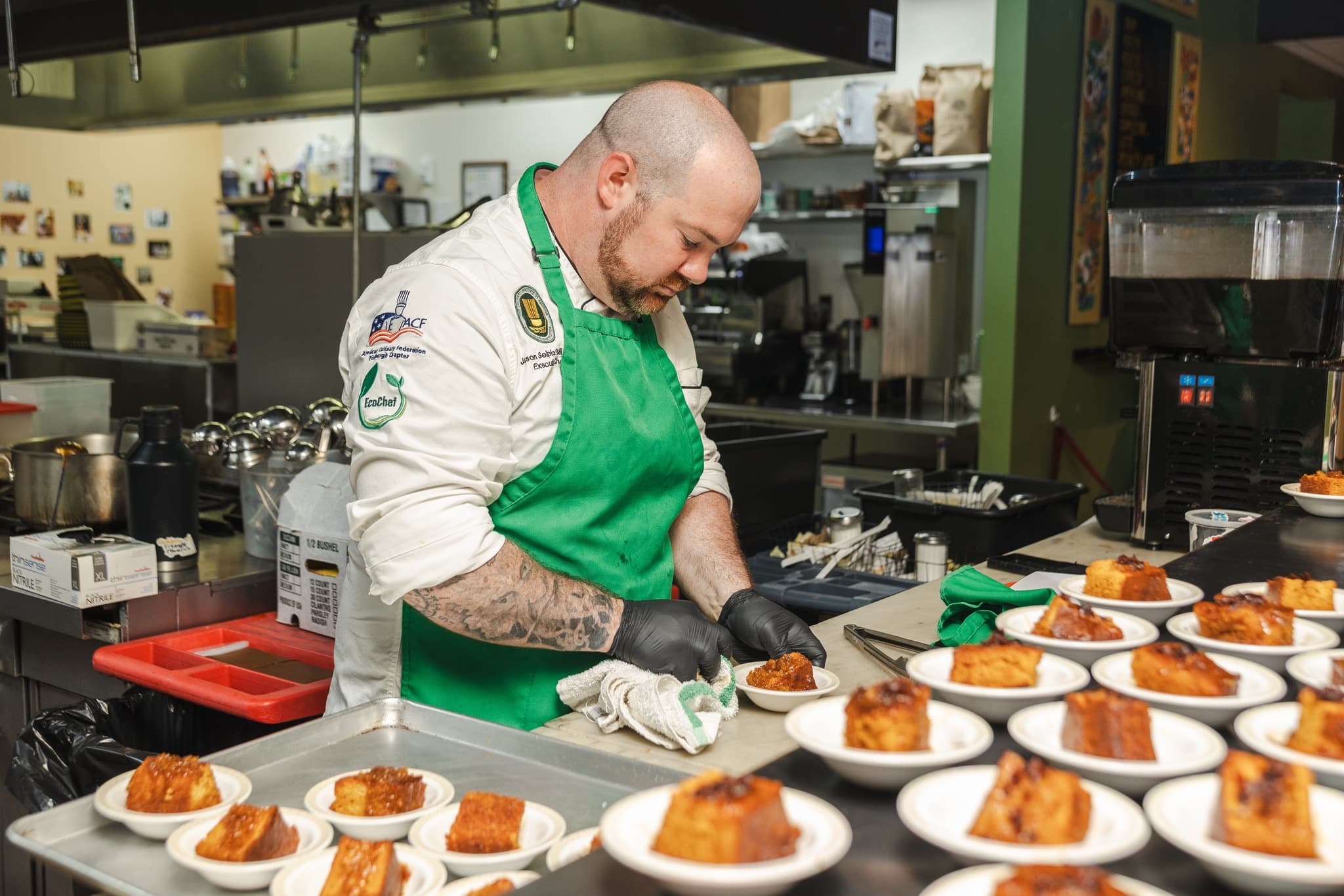
A photograph earns its place the way a chart does: it documents a site, a person at work, a thing the money built, etc. While images do - of course - serve a decorative purpose, we can avoid a lot of common pitfalls of media usage by thinking of them as utility-first components.
Website Examples
These are a few examples of how images are used around the website.
This isn't an exhaustive list of every use case.
The project atlas card and project panel. Metadata sits in the top corners in our monospace font, the title sits where the background gradient is darkest.

Bicycles redistributed to riders since 2011
This is used in the impact grid. The photograph recedes to texture behind a display figure. There is a brand-color hairline at the top for decoration. If the foreground figure is illegible, the image should be changed rather than the type.


We don't really use circles much in this system - here's an exception.
Choosing photographs
A strong design system can be totally compromised by poor media selection. These are some guidelines for media that will ensure the photographs used don't undermine the credibility of the report.
- ResolutionAt least twice the rendered frame (this will be automatically adjusted at runtime on web). Upscales, phone screenshots, photos with watermarks, etc. are proscribed.
- Contents should be aligned with the frame.If you have a photo where the horizon is a few degrees off horizontal, rotate it. If you have a photograph of a building, try to align its nearest edge with the perimeter of the photo. It is a low-effort way to make a photo look more intentional.
- Clear subjectIf the photograph needs a caption to identify its subject, odds are good it is a poor photograph.
- Choose photos that work with overlaid text.We frequently set type and figures over photographs. Please choose images with a calm region (sky, wall, field) where the overlay will sit. If the text is illegible, please choose a different image.
- Candid Work > posesPrioritize images of people mid-task who have forgotten they're on camera over things like ribbon cuttings, check presentations, rows of people smiling, etc.
- No obvious post-processingThe photographs we use should look like the kind of thing you would find in a news article. Avoid images with heavy filters, obvious color adjustments, or that look like they were taken from outer space
- Intentional color selection.Images with a strong key color is fine, so long as it doesn't compete with the page's color scheme. An image with an orange-yellow split tone is going to contrast heavily with the brand's color scheme, even if it looks good on its own.
- Choose images that crop well.Each slot an image is used in has the potential to be cropped differently. Please select images that leave room around the subject so it is identifiable when cropped.
§ 09 · Hard Rules
What the brand never does
Never
The system is defined as much by what it refuses. These are not preferences; a page that breaks one is wrong.
- No pill geometryThe switch is banned; the segmented control carries every two-state choice.
- No rounded cornersRadius is zero everywhere, on every component, at every size.
- No focus glowNo shadow, ring, or halo. A 2px accent rule carries focus.
- No decorative colorColor is signal, not decoration. The accent marks the argument; a deliberately hotter error color flags failure, and the editorial accents (ochre, moss, indigo) carry multi-series data.
- No floating labelsLabels sit above the field in mono caps, always visible.
- No em dashesCommas, colons, periods, or the midpoint dot.
- No side stripesAccents never hang on a left border. Pull quotes rule top and bottom.
- No gradientsFlat ink, flat accent, flat surfaces. Gradient text doubly so.
- No smoothed chartsLinear interpolation only. A curve that flatters the data is an editorial failure.
- No Plex 700Inline emphasis stops at 600, and italics belong to Plex alone.
- No glyph tilesIcons sit on the surface in currentColor, never on a colored badge.
- No zebra tablesHairlines carry structure. One featured row at most per table.
- No fourth familyAlbert Sans, IBM Plex Sans, JetBrains Mono. Three families, three jobs.
- No SaaS energyNo glow, no confetti, no rounded card stacks, no illustrated people, no marketing blocks.
- No decorative imageryA photograph earns its place like a chart: it documents. If it carries no data, it does not run.
- No stock energyPosed groups, handshakes, ribbon cuttings, watermarks. If it could caption any project anywhere, reject it.
- No stranded wordsA paragraph never ends with a lone word on its own line, and a heading's rag steps one way, never long-short-long.